Find Your Way Around Maxvois
Maxvois keeps your customers, documents and plans in one place. You do not need a tour of every screen — five places cover most of your day.
Quick answer
The five places
-
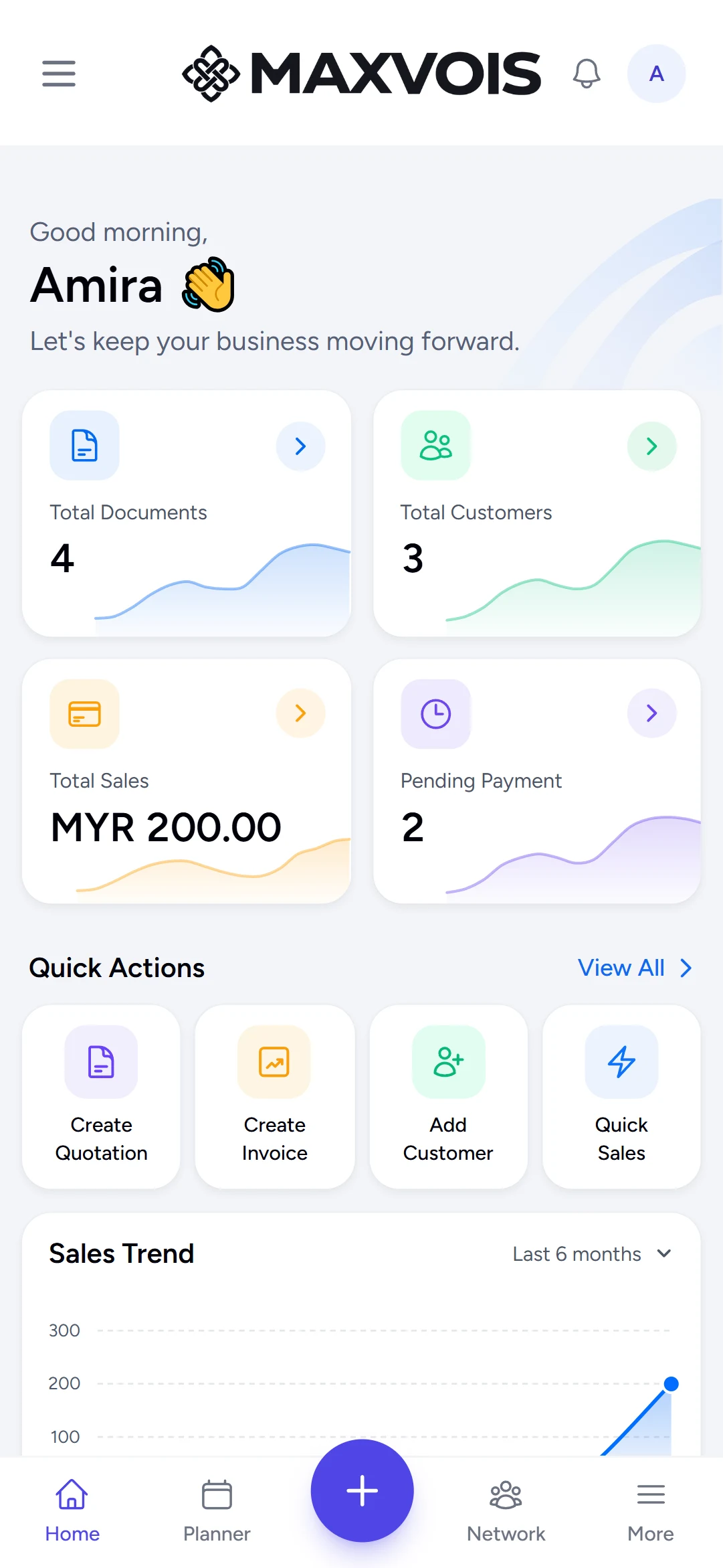
Home — your business at a glance
Your dashboard shows recent documents, totals and quick actions. Tap Home whenever you want to start from the top.
-
Planner — appointments and follow-ups
Plan tasks and appointments with reminders, and see them under Today, Upcoming or Calendar.
-
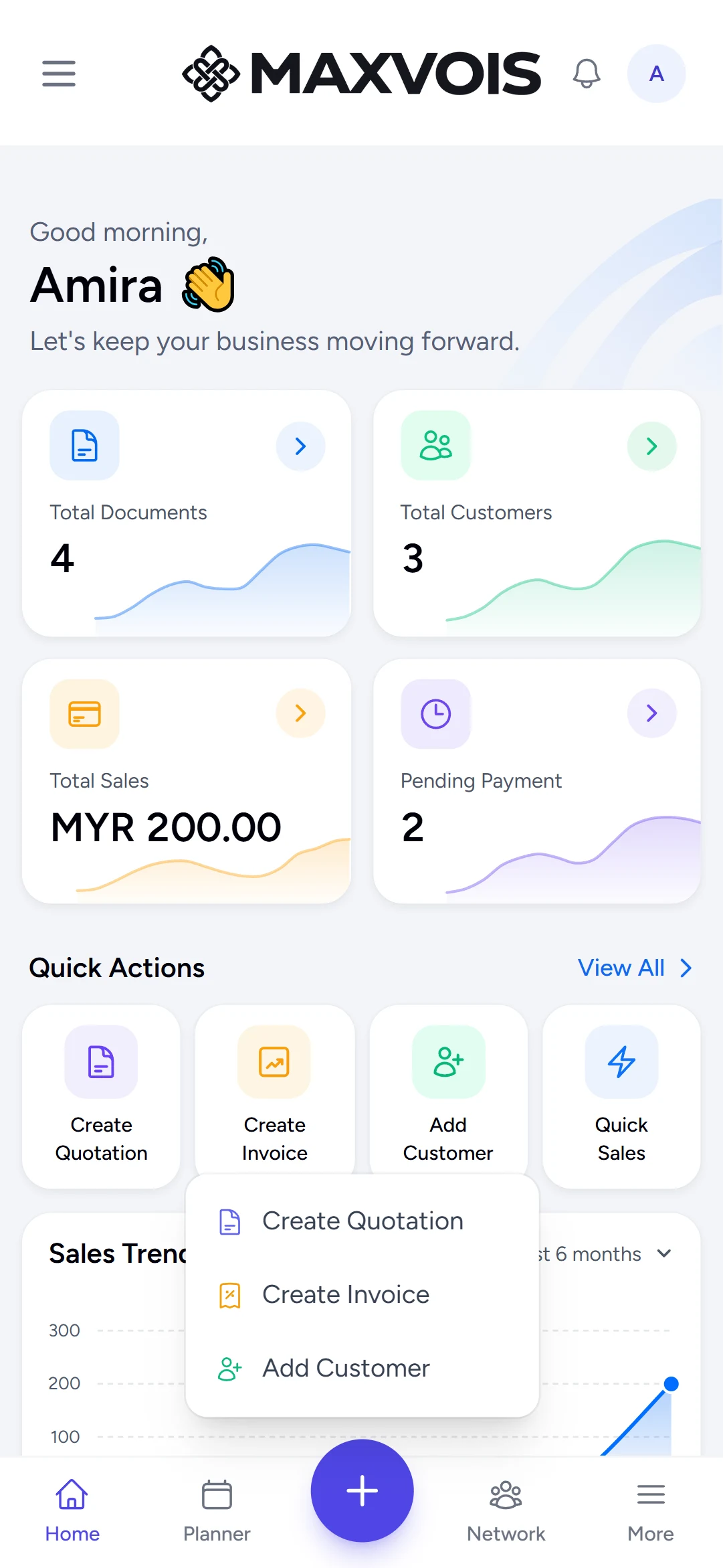
+ — create something now
The centre + button opens quick actions: Add Customer, Create Quotation and Create Invoice.
-
Network — your contacts and relationships
Keep the businesses and people you deal with, and connect with other Maxvois businesses.
-
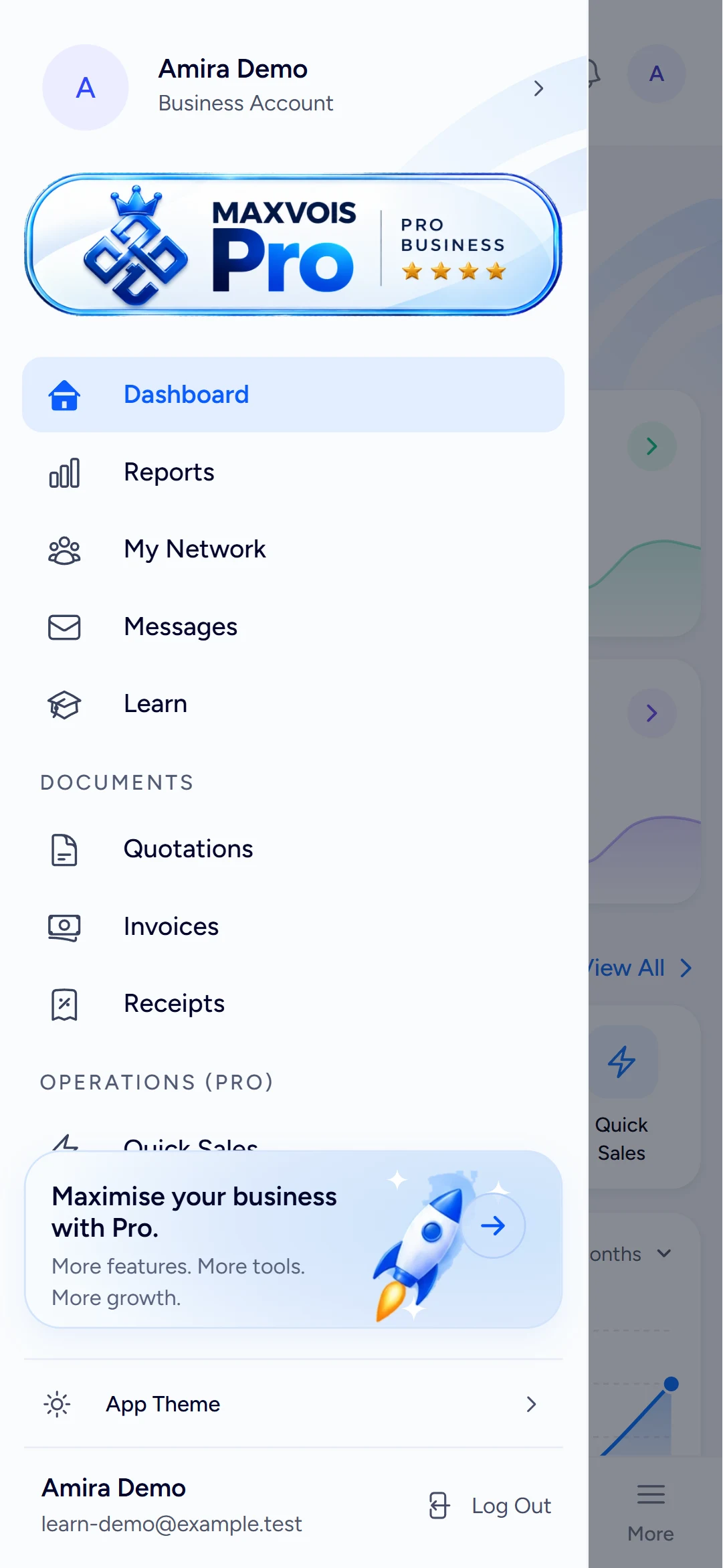
More — everything else
More opens the full menu: Reports, Messages, Documents (Quotations, Invoices, Receipts), Quick Sales, Customers, Products, your business settings and your subscription.
Try it in Maxvois
Open your dashboardYou'll be asked to log in or start a free account first, then you'll land right here in the app.